Merge PDF files
Combine PDF files into one document, in the order you choose.
Leave blank for all pages, or enter 1-3, 5.
Balanced mode may reduce image quality. Savings depend on the PDF content.
Server processing · No files retained after transfer
15 files per hour per connection, shared across all tools. Each file in a batch counts, even if processing fails.
Your files do not stay with us.
Your original file is deleted when processing finishes. The result is removed from the server after transfer to your browser. If it is waiting for transfer, it expires after 2 minutes. No documents are archived.
Help and privacyHow does it work?
- Add the PDFs to combine, up to 25 MB in total
- Reorder files with the arrows, then merge
- Download the PDF containing all the pages
PDFs must open without a password. Signature fields are not supported. Keep your originals and check the result. Merging preserves pages, but bookmarks and some interactive features may be lost.
How do I convert only selected PDF pages to JPG?
Add a PDF, enter pages such as 1-3, 5, then convert. Your ZIP contains only the selected JPGs, in PDF order without duplicates. Filenames retain the original page numbers, such as page-005.jpg. The entire PDF must have no more than 30 pages, and every requested page must exist.
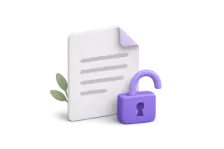
Unlock files
Remove editing restrictions from documents you can already open.
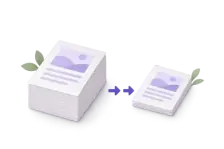
Compress a PDF
Reduce your PDF file size and compare the result.

Create a QR code
Turn a link or text into a static QR code, downloadable as PNG or SVG.
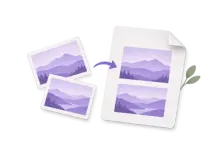
Images to PDF
Combine photos and images into a PDF, one image per page in your chosen order.
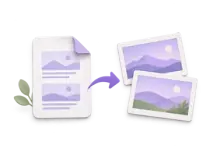
PDF to JPG
Convert all PDF pages or choose specific pages as JPG images. Download them in a ZIP, free and without an account.